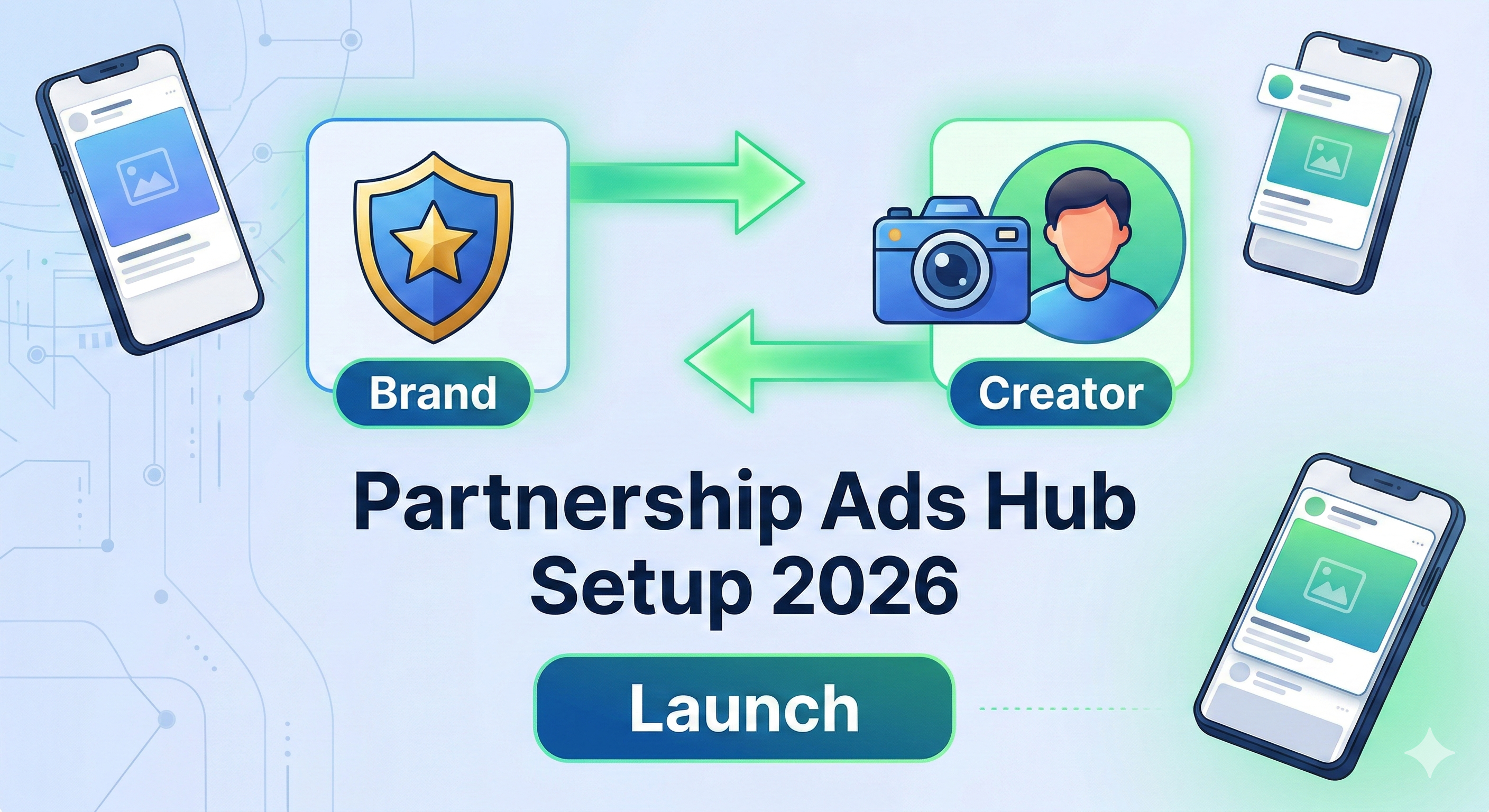
Are you looking to unlock professional insights, schedule your posts, or launch Partnership Ads with brands? To do any of that, you need to move beyond a personal profile.
In this guide, we’ll break down the differences between the Creator and Business accounts and show you exactly how to make the switch in under 60 seconds.

| Feature | Creator Account | Business Account |
| Best For | Influencers, Artists, Public Figures | Retailers, Local Biz, Agencies |
| Contact Options | Flexible (can hide/show) | Clear CTA (Call, Email, Map) |
| Analytics | Deep "Follow/Unfollow" data | Standard Professional Insights |
| API Access | Limited (some schedulers won't work) | Full (Best for auto-posting) |
Step-by-Step: How to Switch
Follow these steps to upgrade your account today:
-
If you are currently on a Personal account and want to switch:
-
Open Profile: Tap your profile picture in the bottom right.
-
Hamburger Menu: Tap the three horizontal lines in the top right.
-
Account Type: Scroll down to the "For Professionals" section and select Account type and tools.
-
The Switch: Tap Switch to Professional Account and follow the prompts to choose between Creator or Business.


-
-
If you are already on a Professional account and want to change your niche:
-
Edit Profile: Tap Edit Profile on your main page.
-
Update Category: Tap Category under "Public Business Information" and search for a keyword that fits your business (e.g., "Entrepreneur").
-
Why you should switch (The Professional Edge)
1. Partnership Ads Eligibility As we discussed in our Meta Partnership Ads Hub Guide, you cannot be "whitelisted" or run collab ads if you are on a private or personal account. Switching is the only way to let brands put money behind your content.
2. Advanced Analytics Stop guessing what works. See exactly how many people saved your posts, shared your Reels, and where your audience is located.
3. Secondary Inbox Once you switch, your DMs get split into Primary and General. Keep your fan/client messages separate from your friends and family.
FAQ: Will I lose my data?
-
Does it delete my posts? No, all your content stays exactly where it is.
-
Can I go back? Yes, you can switch back to a Personal account at any time, but you will lose your historical "Professional Insights" data.
-
Does it hurt my reach? There is no evidence that switching reduces reach; in fact, the data you gain helps you optimize your content to increase reach.
Next Steps?
Now that your account is professional, you are ready to start collaborating! 👉 [Read our Complete Guide to Setting Up the Meta Partnership Ads Hub here]